Possible duplicates and customer SKUs — one product, every code it goes by
A catalog collects copies. One item is re-created for a partner, typed with a different dash, or left over from an old system, and its stock, orders and listings end up split. Possible Duplicates finds those products and shows why they match. Customer SKUs stop new copies: record the code a customer uses, instead of making a product for it.
✨ What this means for you:
- See products that look like one item, with the reasons and how likely it is.
- Merge them, keep the old code as a previous SKU, or mark them as different items for good.
- Catch likely duplicates in a product import before anything is saved.
- Match a customer's orders by the customer's own item numbers, and print those on their paperwork.
Find items entered under two or more SKUs
Start a search, and SKU.io compares barcodes, supplier SKUs, SKU spelling, SKU endings, names with options, and main pictures. Add the endings you use for partners. Each group says why it matched, from a shared barcode down to a shared picture.
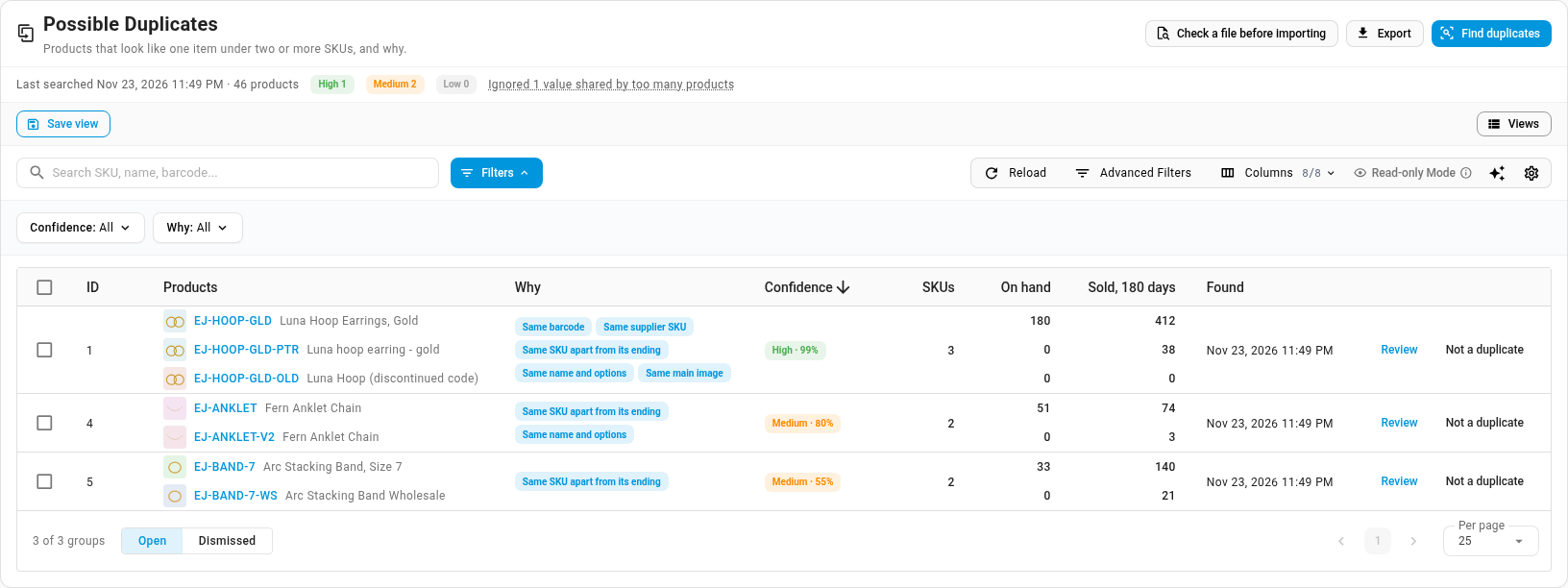
Decide with the whole picture
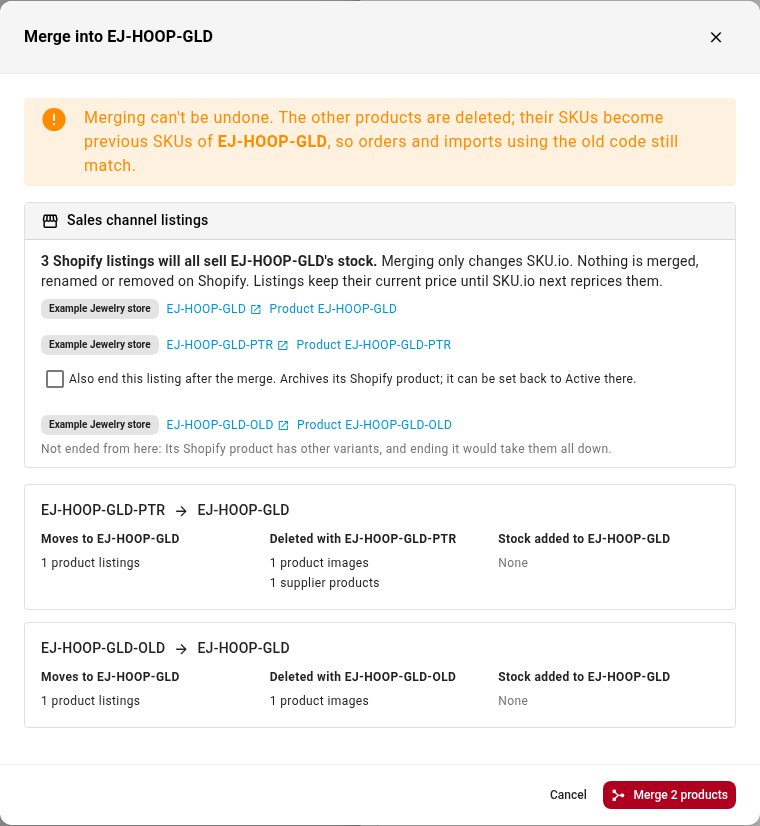
The review puts the products side by side and suggests which to keep. Before a merge you see what moves and which channel listings are involved. A merge changes SKU.io only: nothing is merged, renamed or removed on your sales channels. Ending a duplicate's Shopify listing is a separate choice that starts unticked, offered only when the listing is alone on its Shopify product.
Each customer's own SKUs
A customer's Customer SKUs section, and a card on each product, hold the code and name that customer uses. Add them by hand or import a file. Their orders then match on imports, the API, the customer portal, quotes and dropship orders. A product's own SKU always comes first. Packing slips, sales orders and invoices can print the customer's code and name.
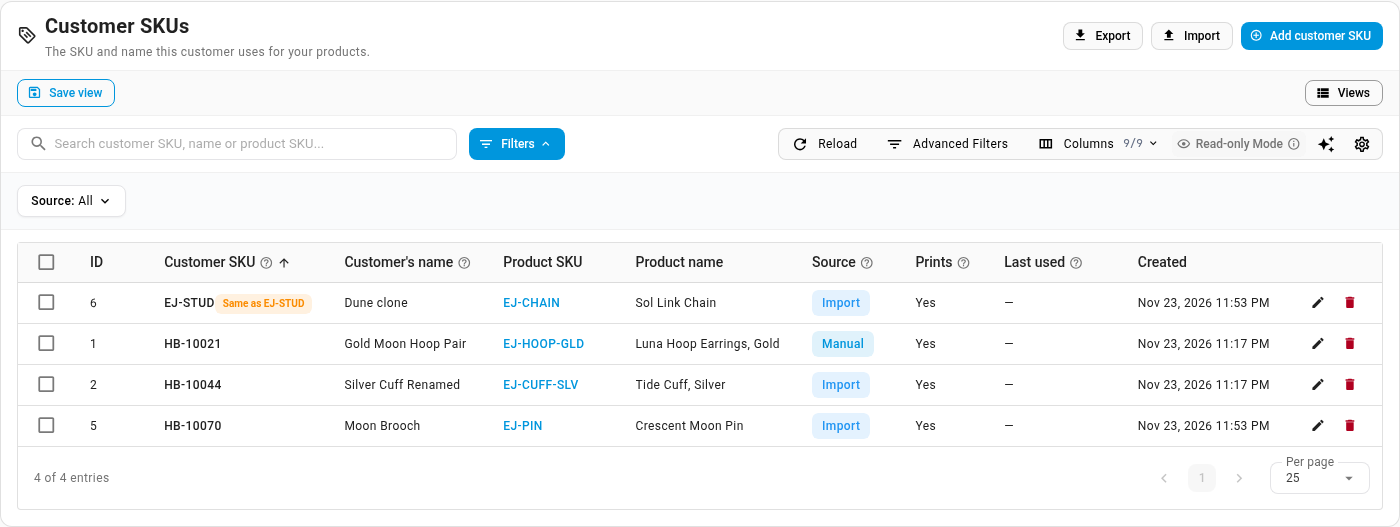
Codes SKU.io learned from purchase orders keep working as they did. A setting lets them match every order too; it's off unless you turn it on.
Where to find it
- PIM → Possible Duplicates, and the Validate step of a product import.
- CRM → Customers, a customer's Customer SKUs section, and a product's Overview tab.
- Settings → General → Sales Orders, Match learned customer SKUs on every order.
Full guides: Find possible duplicate products · Keep a customer's own SKUs