Product images and attributes on purchase orders — show your factory what each item looks like and how to pack it
A purchase order tells a factory what to make and how many. The rest, such as the picture, the finish and the packaging, often travels in emails and spreadsheets that drift away from the order. Product images and attributes travel with the purchase order itself, and you choose which ones suppliers see.
✨ What this means for you:
- Your supplier sees each item's picture, packaging and materials on the order.
- You decide, image by image and attribute by attribute. Nothing is shown until you choose it.
- Set the packaging once on a style and every size uses it.
- When a detail changes after you've sent the order, SKU.io tells you which line and what changed.
Any attribute, one switch
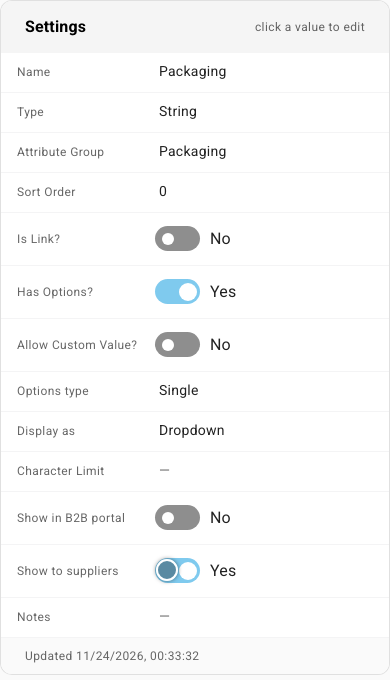
Open an attribute and turn on Show to suppliers. It works on the attributes you already have and on any you create, such as Packaging or Metal, with a dropdown of options if you want one. Attributes that hold costs and margins stay internal.
On the purchase order
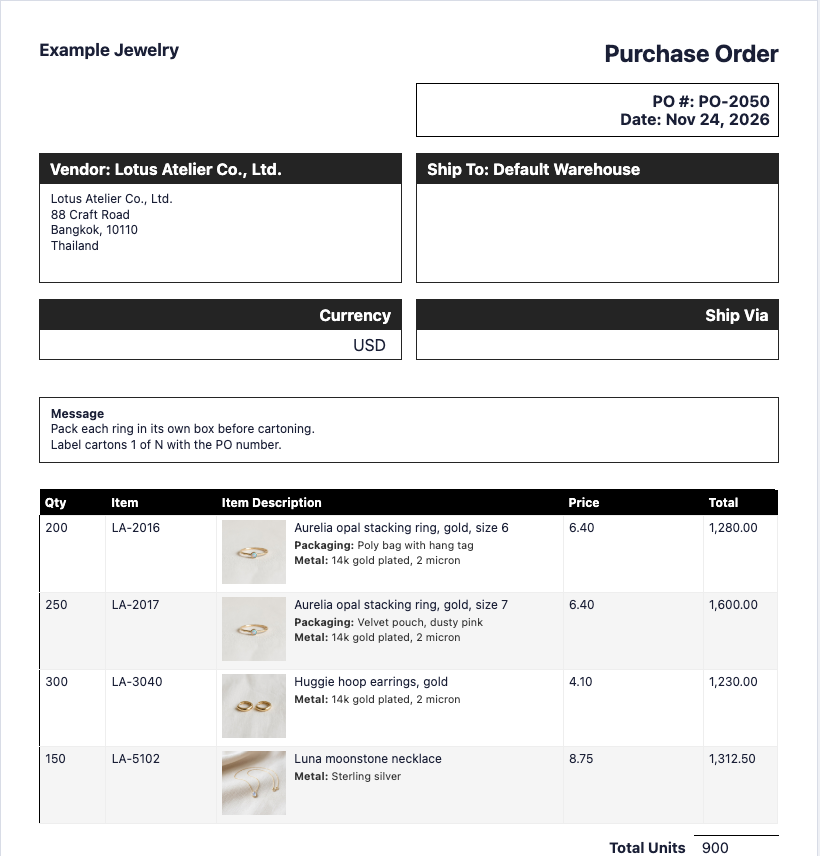
The built-in purchase order prints the image beside each item and the attributes under its description. A line with nothing to show looks the way it did. In your own template, both are fields you can place.
In the supplier portal and on the confirm page
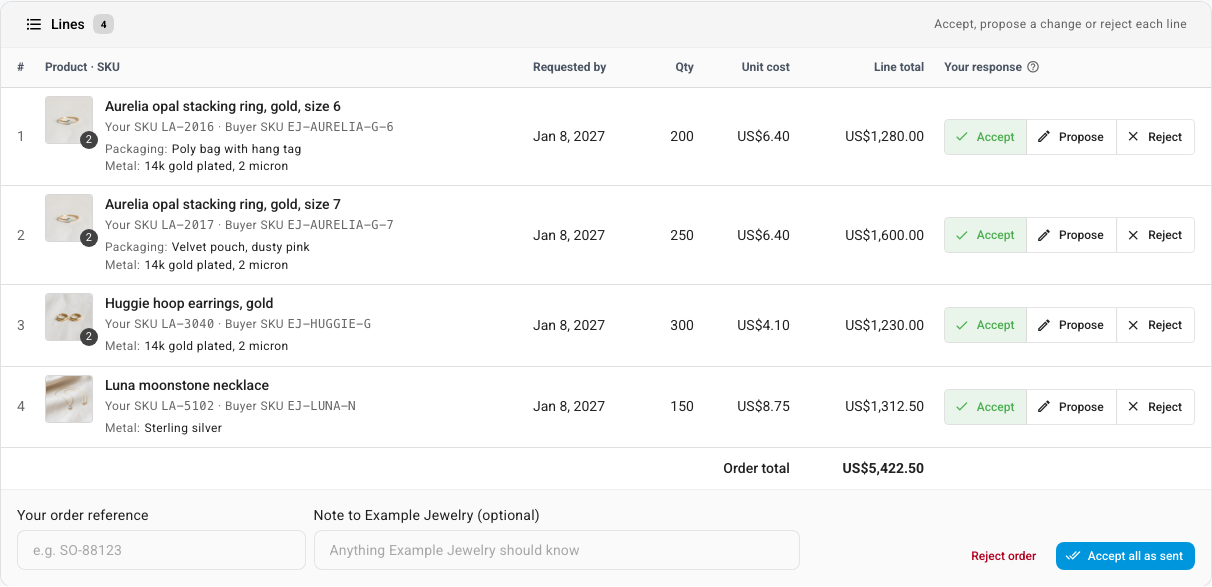
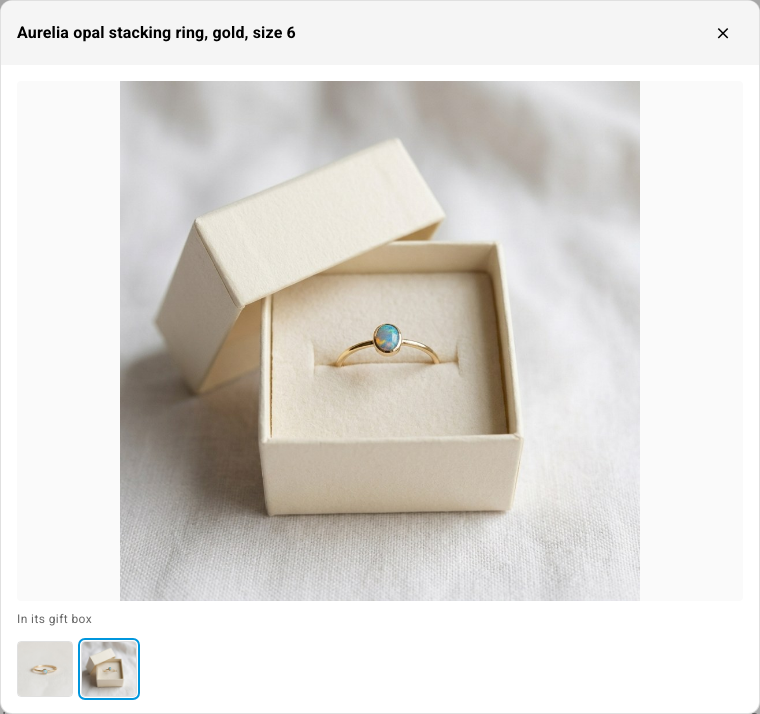
Suppliers see the same picture and attributes on each line, with or without a login. In the portal, a click opens every image you chose, such as a photo of the packaging.
Changes after you send
If a shown detail changes, the order reads Modified after sending, and View changes lists the line, the attribute, and the old and new value. Re-send it and the supplier has the new one.
The message to the supplier prints on the built-in purchase order too, above the items. A template you've customized is left as it was.
Where to find it
PIM → Attributes for attributes, a product's Images tab for images, and Settings → Purchasing → Purchase Orders for what happens to the rest.
Full guide: Show product images and attributes to suppliers