Connect TikTok Shop
You connect TikTok Shop by choosing your shop's region and approving SKU.io in TikTok's Seller Center. The permissions SKU.io needs are granted in that one approval.
Before you begin
- Sign in to TikTok Shop Seller Center with the shop owner account, or one with manage permissions.
- Your shop must be Active and have completed seller verification.
- You need permission to connect integrations in SKU.io.
Connect your shop
-
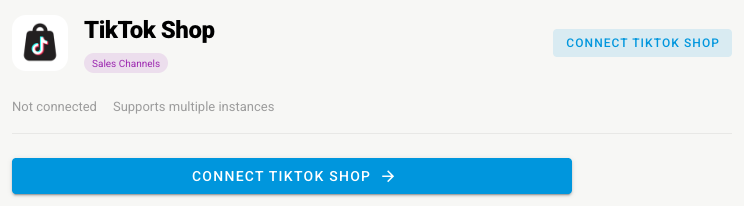
Go to Apps & Integrations, open Sales Channels, and choose TikTok Shop.
-
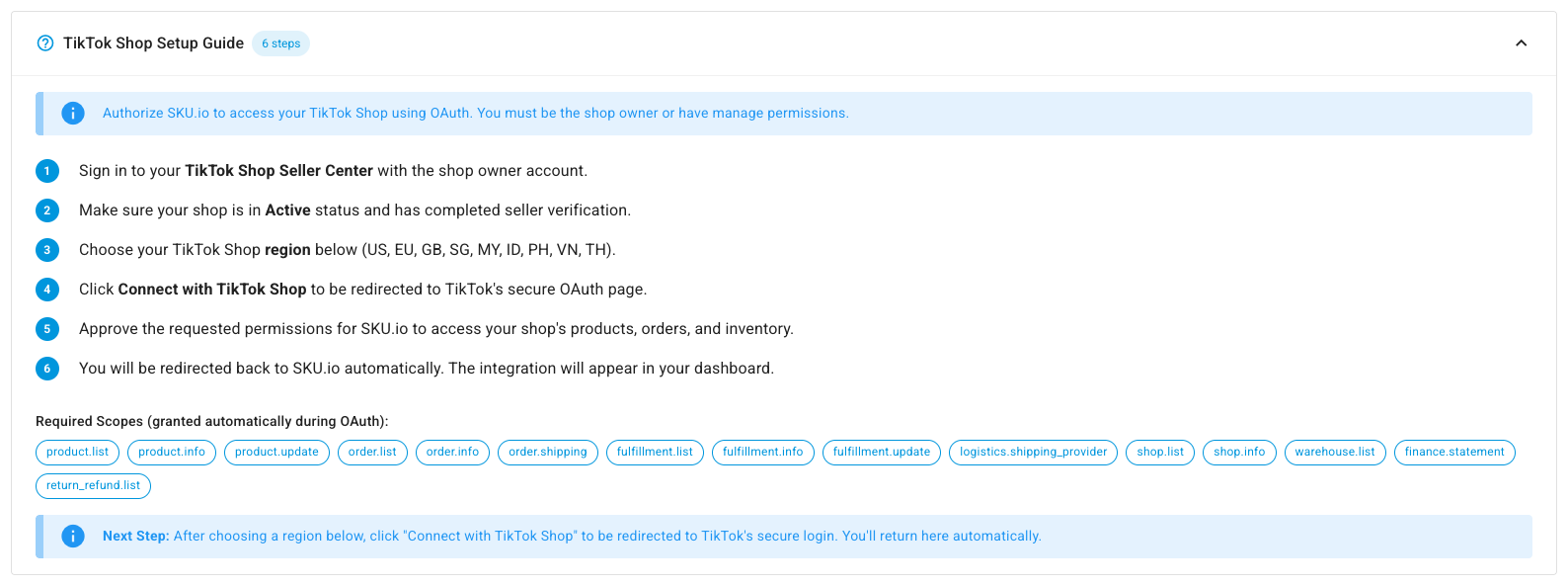
Click Connect TikTok Shop. The New TikTok Shop Integration page opens with a TikTok Shop Setup Guide that lists the permissions you'll approve.
-
Under Basic Information, type an Integration Name and pick the Store.
-
Under TikTok Shop Region, pick your shop's Region: United States, a European region, the United Kingdom, or a Southeast Asian region.

-
Under Advanced Settings, set the Start Date and leave Auto Sync Enabled on.
-
Turn on Restrict sales order creation until all products are mapped if you'd rather an order wait than arrive with lines SKU.io can't match to a product.
-
Click Connect with TikTok Shop, approve the permissions on TikTok's page, and you're sent back to SKU.io.
Set it up
| Settings tab | What to check |
|---|---|
| Sync | The What syncs switches for orders, products, tracking, stock, and prices. See Manage a connected app |
| Locations and Warehouse Mappings | Which SKU.io warehouse each TikTok warehouse is, so orders route and stock goes to the right place |
| Orders | Order options, and Allow refunds from SKU |
| Products | How TikTok products link to and create SKU.io products |
| Shipping and Payment Methods | How TikTok shipping options and payment methods map to yours |
| Inventory Sync | Which warehouses' stock TikTok Shop sees |
| Pricing Sync | Master of Price, which price to send, and guardrails. See Sync prices with your sales channels |
| FBT | Turn on FBT enabled if your shop uses Fulfillment by TikTok. SKU.io checks that your account is enrolled first |
| Content Sync | Whether SKU.io watches your TikTok products for content changes. See Content Sync |
Next steps
- TikTok Shop overview — what moves each way, and the FBT tabs.
- Refund a customer on the sales channel — refund a buyer from the sales order.