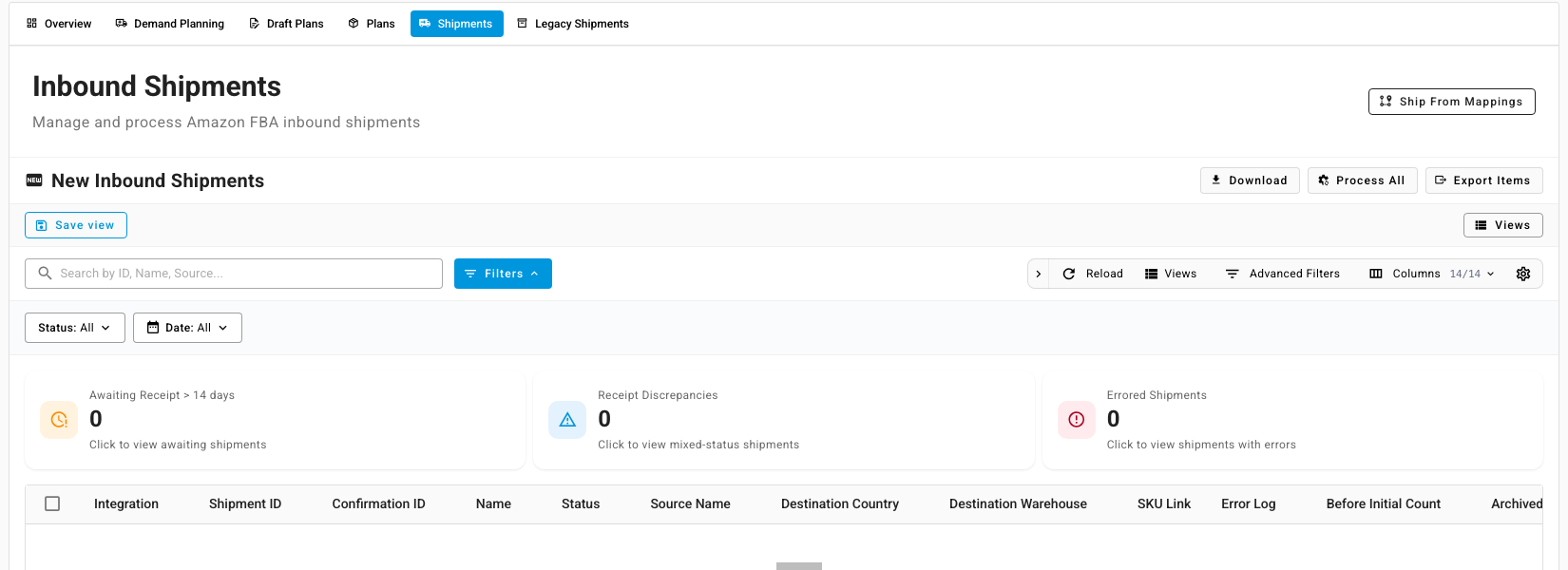
Reconcile what Amazon received
Amazon doesn't always check in everything you send. Boxes go missing, units are miscounted, and some turn up weeks later. SKU.io compares each FBA shipment's shipped and received quantities, books any shortfall when Amazon closes the shipment, and helps you claim it back.
Before you begin
- The shipment came from an inbound plan, or from a Seller Central shipment SKU.io has processed into a warehouse transfer. See Send stock to FBA with an inbound plan.
Check one plan's shipments
- Open the plan from FBA Inbound → Plans, and go to its Track step.
- Under Reconciliation, each item shows Shipped, Received and the Discrepancy, with a status of match, short, over or pending. A shortfall stays pending while Amazon is still receiving, and only counts as short once Amazon closes the shipment.
- For each short item, choose what to do:
- Open in Recovery opens Amazon Recovery on the inbound shortage, so you can file a claim and track Amazon's payment. See Recover money Amazon owes you.
- File Claim in Seller Central takes you to Amazon directly. The Claim window chip shows how many days you have left.
- Resolve records why you're accepting the difference. A Resolution note is required, and Undo resolution reopens it.
How a shortage is booked
When Amazon closes a shipment with units still unaccounted for, SKU.io records an inbound shortage for them on its own. The missing units come out of in-transit, and their cost is booked to your books as an Amazon inbound shortage. If Amazon receives more units later, the shortage shrinks, or disappears, to match.
You can also record a shortage yourself: open the shipment's warehouse transfer and click Create Inbound Shortage.
See every discrepancy in one place
-
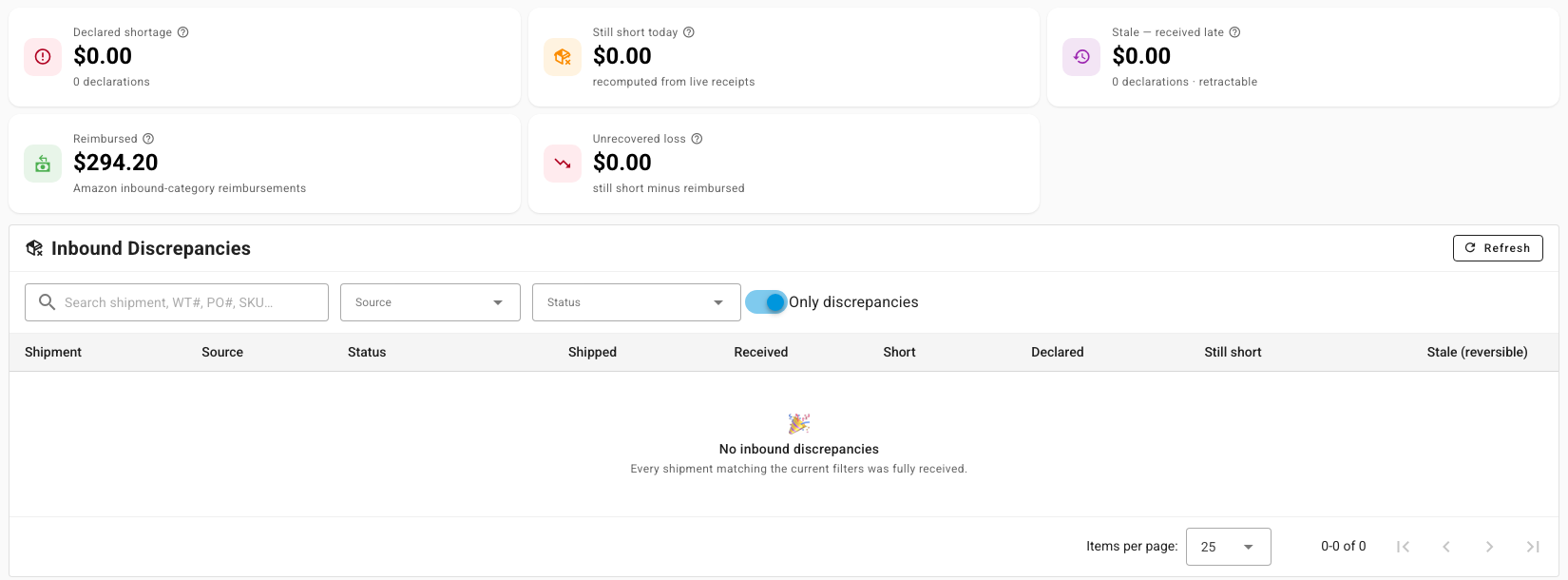
Go to Orders → Inbound Shipments and open Discrepancies. The Inbound Discrepancies report covers shipments from every source, including Amazon.
-
Read the tiles: Declared shortage, Still short today, Stale — received late (shortages that late receipts have since covered), Reimbursed (what Amazon has paid for inbound shortages) and Unrecovered loss.
-
Each row shows a shipment's Shipped, Received, Short, Declared and Still short figures. Leave Only discrepancies on to hide shipments that arrived in full.
On the Amazon side, the Shipments tab of FBA Inbound has a Receipt Discrepancies tile. Click it to list the shipments where shipped and received don't match.