Reconcile ShipHero inventory
ShipHero counts what's on its shelves. SKU.io compares that with its own on-hand quantity on the Inventory tab and lets you correct SKU.io with a stock take. SKU.io never changes its stock from ShipHero's numbers on its own.
Before you begin
- Connect ShipHero and map its warehouses.
- You need permission to create stock takes.
Refresh and review the differences
-
Open the ShipHero connection and go to the Inventory tab.
-
Click Refresh Inventory. It runs in the background; follow it in the job tray.
-
Open the Discrepancies tab. Each row is a product where SKU.io On Hand and ShipHero On Hand disagree, with the Discrepancy in units and its Value at unit cost.
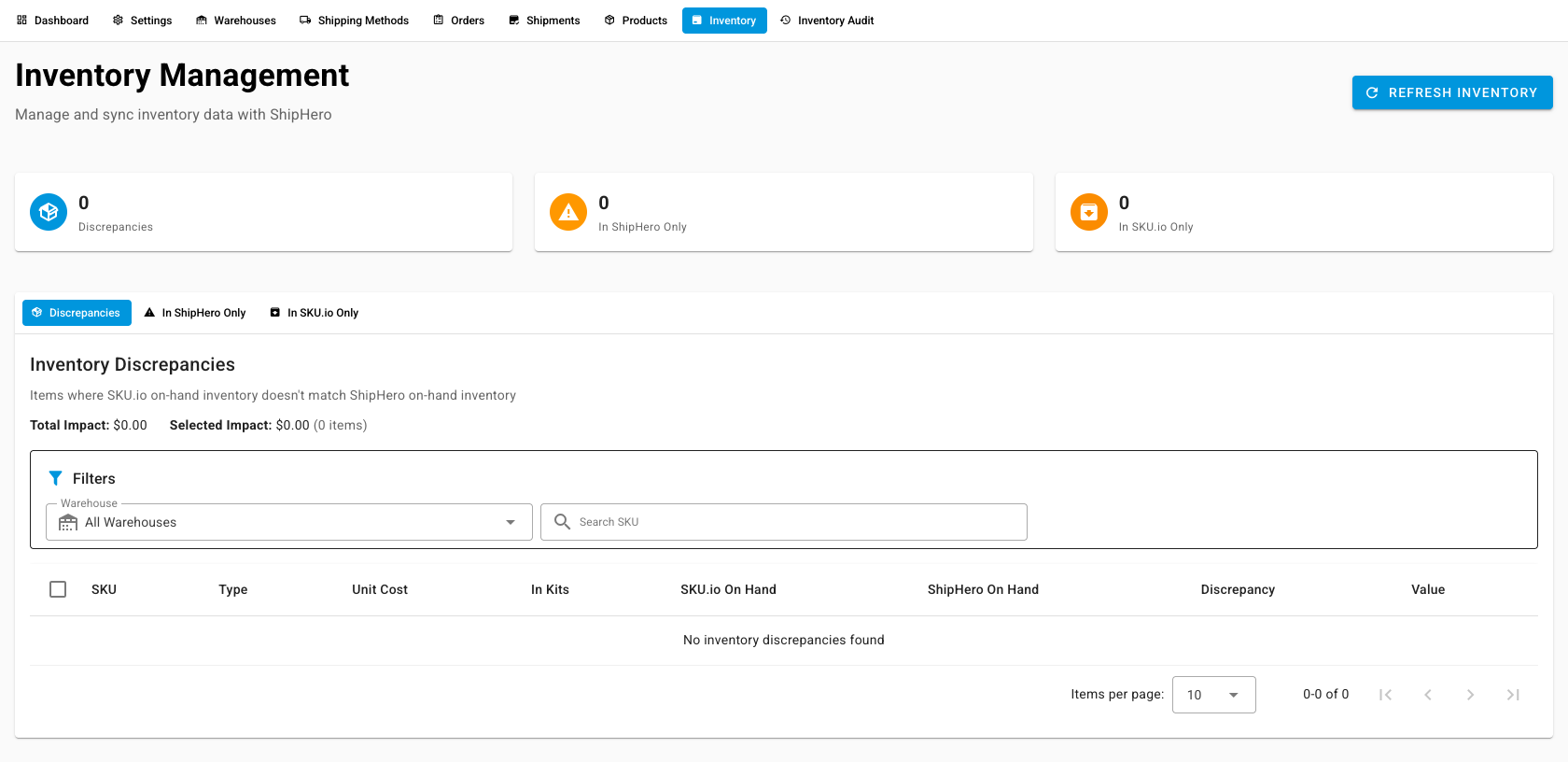
The In ShipHero Only tab lists products ShipHero has that SKU.io doesn't, and In SKU.io Only the reverse. Click Export CSV to take the list into a spreadsheet.
Find out why a number moved
Open the Inventory Audit tab to see ShipHero's own history of changes: each pick, shipment, receipt, transfer, adjustment, return, and cycle count, with the change, the new on-hand, the reason, and the location. Click Sync From ShipHero to pull the latest entries. The audit is for reading only. Make corrections on the Inventory tab.
Correct SKU.io with a stock take
- On Discrepancies, select the rows to correct and click Stock Take Selected, or click Stock Take All.
- In Create Stock Take, set the Stock Take Date.
- Choose a Stock Take Status: Draft to review first, Initialized (Open) to start counting, or Finalized (Closed) to apply it now.
- Leave Include kit SKUs unticked unless you mean it. ShipHero reports 0 on hand for kits, so including them sets their SKU.io on-hand to zero.
- Add notes if you like, and create the stock take.
What you'll see: a stock take that sets each product's SKU.io on-hand to ShipHero's on-hand quantity. A finalized stock take adjusts inventory immediately.