
Free ecommerce accounting checklist
Score your books against 36 ecommerce accounting checks
One row per check, in the order of the ecommerce accounting standards. Each row says what the check is and the test to run on your own books. Score each one and the sheet adds up where you stand, overall and by group.
Also as CSV
- Free, no email, no sign-up
- Opens in Excel, Google Sheets and Numbers
- The math is built in
Fill it in here, or download it
Ecommerce accounting standards checklist, with the reasons for each part
Type over the underlined parts and print it or save it as a PDF. Or download the Excel file, which has the same layout and formulas plus room for more lines.
Swipe the sheet sideways to see all of it.
-
Eight groups, in the order to fix them
Payouts first, because every other number sits on top of how income is posted. Then cost, opening stock, go-live, the P&L, the close, losses and tax. Same order and numbers as the full list.
-
A test for every check
The download has a "how to check your books" column: one test per row that takes your ledger, a bank statement or a settlement report, and no software.
-
Score it honestly
2 if you meet it, 1 if you partly do, 0 if you do not. A dash means it cannot apply to you, such as the wholesale check when you sell no wholesale.
-
N/A never costs you
Points possible counts only the checks you scored, so the percentage is out of what applies to your business. The Excel file also scores each group.
Run this in SKU.io
Where SKU.io covers a check
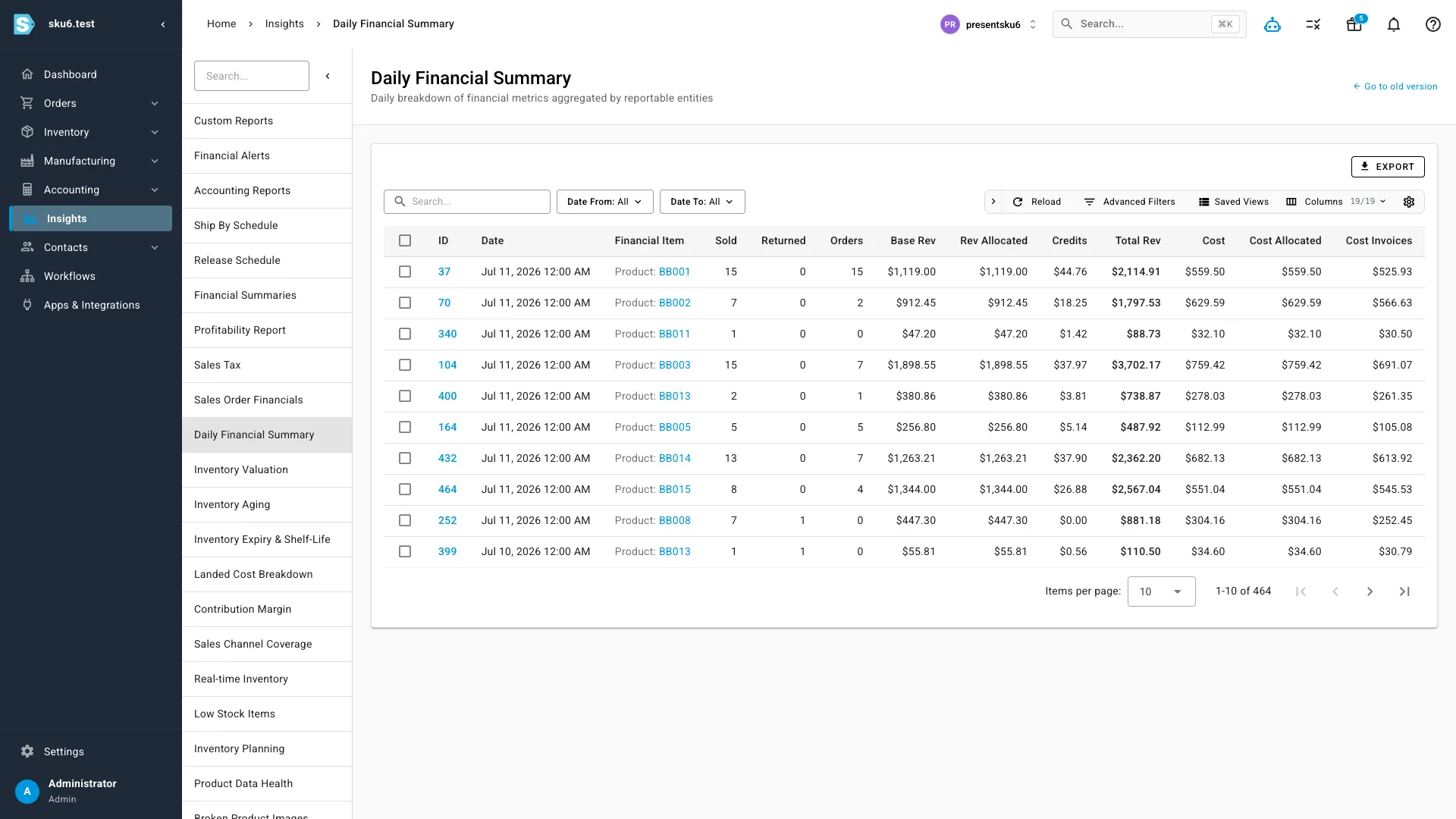
SKU.io sends its accounting to Xero or QuickBooks Online and does not replace either one, or your accountant. On the checks it does cover, these are the parts the sheet asks you to test by hand.
| In the spreadsheet | In SKU.io |
|---|---|
| Check 1: count the order invoices in your ledger | A channel set to Per payout books each sale once, from the payout |
| Check 2: put the settlement, the deposit and the report side by side | Walmart settlements and TikTok Shop payouts post as one invoice and one fee bill equal to the deposit |
| Check 24: inventory value beside the ledger balance | The books health check compares inventory with your Xero or QuickBooks trial balance, month by month |
| Check 28: who prepared the close, and who approved it | With two or more people doing accounting, the preparer cannot close the month |
I scored my own books first
I run an ecommerce business on SKU.io, so before I published this list I scored our books against it. Two checks failed that I had assumed were fine. Sales on our payout channels were being counted twice in SKU.io's own ledger, once from the order and once from the payout. That was check 1, and it is fixed. And we had not yet closed a month on a written close checklist with a second person signing off. That is checks 26 and 28, and it is the next thing on my list.
Neither failure showed up on a dashboard. Both showed up when I ran the test in the "how to check" column instead of scoring from what I believed. That is the point of the sheet: each test uses a ledger, a bank statement or a settlement report, not an opinion.
How to run it in an afternoon
- Open last month's books: the ledger, the bank and card statements, and one settlement report per marketplace.
- Work down the rows. Run the test, then score it. Do not score from memory.
- Write an owner and a fix-by date next to every 0. The By group tab in the Excel file shows where the points went.
- Fix from the top. If income is posted the wrong way, every number below it is off too.
Each group has a guide that goes deeper: marketplace payouts and the clearing account, landed cost and the ecommerce chart of accounts and P&L. Three of the groups have a sheet of their own: the settlement reconciliation worksheet, the landed cost spreadsheet and the chart of accounts template.
If you sell on one channel and under about $1M a year, many of these checks will be quick passes, and a simple inventory app such as Zoho Inventory or inFlow beside Xero or QuickBooks is likely all you need. Accountants are welcome to send this file to clients as it is.
Questions people ask
What is on an ecommerce accounting checklist?
This one has 36 checks in eight groups: payouts and settlements, landed cost and COGS, opening inventory and counts, go-live readiness, the P&L and chart of accounts, the month-end close, shrink and losses, and tax and revenue timing. Each check has a test you can run on your own books.
How is the score worked out?
Each check scores 2 if met, 1 if partly met and 0 if not met. Checks marked not applicable are left out. The score is the points you got divided by 2 times the number of checks you scored.
Which checks should I fix first?
Start with how income is posted, checks 1 to 4, because every other number depends on it. Then costs, checks 6 and 10. Then a close with a second reviewer, checks 26 and 28.
How often should I run it?
Once in full now, and again before any change of system. After that, checks 24 to 28 belong in every month-end close, and the rest once a year or when you add a channel, a warehouse or a supplier country.
Is this an accounting standard I have to follow?
No. These are working practices ecommerce accountants apply to a seller's books, not a rulebook from a standards body. Your financial statements still follow GAAP or your country's rules, and your accountant decides how those apply to you.
Does it work in Google Sheets?
Yes. Open the Excel file in Google Sheets, Excel or Numbers. The CSV has the same 36 rows with the points and totals as formulas, for importing into a task or audit tool.
Bring your score to a call
Bring the checklist with your scores filled in. We will go through the checks you marked 0 or 1 and show which of them SKU.io handles and which stay with you and your accountant.
Book a DemoFounder-led demo · 2-day onboarding · no onboarding fees