
Transcript
0:00 What SKU.io does
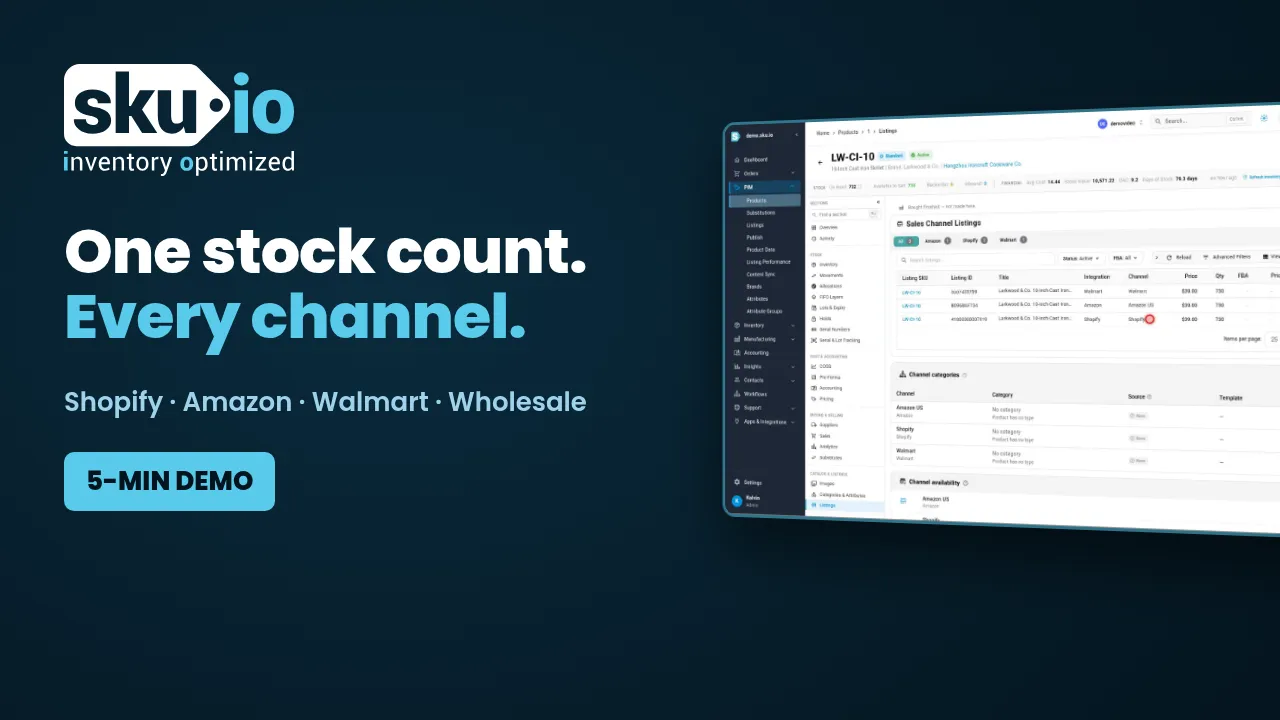
This is one product, sold on Shopify, Amazon, Walmart and to wholesale buyers, with stock in two warehouses and a 3PL. Every channel shows the same available count, and it changes the moment an order comes in anywhere.
That's the job SKU.io does for a brand. It's inventory and order management for brands that sell on more than one channel. In the next few minutes you'll see how it keeps stock in step, tells you what to reorder, handles purchase orders and landed cost, and shows your real margin.
0:37 How do I stop overselling across Shopify, Amazon and Walmart?
Start with stock. For every product, you see what's on hand, what's committed to open orders, and what's free to sell. Open a product and you can see where that stock sits: the main warehouse, a second site, and the 3PL.
Now an order comes in from Amazon. SKU.io reserves the units in the right warehouse, and the available count drops. The same number goes out to Shopify and Walmart, so the last unit can't sell twice.
Bundles work the same way. This starter set is built from three products. Sell a set and each component goes down. Sell the last of a component on its own, and the set drops to zero on every channel.
Orders route by rule. Here, wholesale orders ship from the Los Angeles warehouse, and everything else ships from the 3PL. You set the rules once.
And this screen shows what each channel was last told, so if a listing drifts out of step, you see it here instead of in a customer complaint.
1:42 What should I reorder, and when?
Next, what to reorder. Demand planning looks at your sales across every channel, your supplier's lead time, and how many days of stock you want on hand. For each product it suggests a quantity. The ten inch skillet, for example, sells about eleven units a day. Up top, it shows what's at risk and how many days of stock you have left. It respects minimum order quantities and case packs, so the numbers are ones your supplier will accept.
You can plan from sales history alone, or add an expected change, like a promotion or a seasonal bump. When the numbers look right, turn them into a draft purchase order for that supplier in one step. The supplier sees nothing until you press send.
2:28 How do freight and duty get into unit cost?
Here's an earlier order from the same supplier. When a shipment arrives, you receive the quantity that actually shipped. This one came up short, so the rest stays open, and you always know what's still owed.
Then come the costs that arrive after the goods, like freight and duty. Add the freight bill, and SKU.io spreads it across the units on that shipment, by value, quantity or weight. Each unit's cost rises by its share of the bill.
That matters, because every unit is costed first in, first out. When these units sell, the order's cost of goods is the landed cost of those exact units. Not an average, and not a guess.
3:13 Which channel actually makes money?
Which brings us to margin. Every sales order shows its revenue, the cost of the units it shipped, and the profit, after channel fees where the channel reports them.
Roll that up, and you can see profit by channel, by product, or by supplier. That shows which channel actually makes you money.
SKU.io keeps a full ledger of these movements and syncs it to QuickBooks or Xero. So the cost of goods in your books matches what left the warehouse, and nobody rebuilds it from spreadsheets at month end.
3:47 Can AI agents work in my inventory system?
Most teams have rules they apply by hand. Tag this kind of order. Email the warehouse when something changes. Workflows take over that work. Pick a trigger, add conditions and actions, and it runs on every matching order.
SKU.io also comes with agent skills, which teach an AI agent like Claude Code how to work in your account through the API and MCP server. So the agent can check stock, look at what's selling, and draft a purchase order for you to review. In this run it found the one product that would run out before the supplier could deliver, and left the order as an unsent draft.
4:27 Who is SKU.io for?
So who is it for? Brands that sell on more than one channel, sell bundles or kits, take wholesale orders alongside direct sales, or keep stock in more than one place. That usually means a million dollars or more in yearly revenue. Onboarding takes days, and there's no onboarding fee.
To see it with your own products, book a call at meet.sku.io.