Connect Temu
You connect Temu by approving SKU.io on Temu. Once it's connected, map Temu's carriers and warehouses so tracking and stock line up, and choose what syncs.
Before you begin
- You need a Temu seller account, and permission to connect integrations in SKU.io.
- Decide which SKU.io store this Temu account sells through.
Connect your Temu account
-
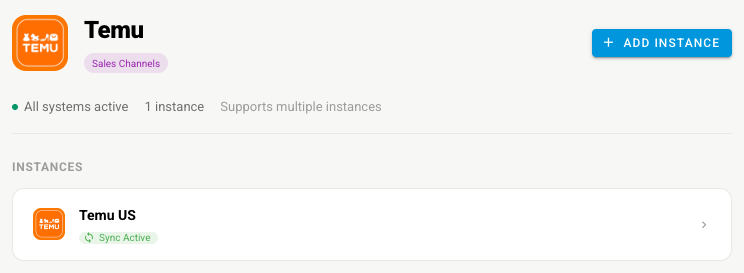
Go to Apps & Integrations, open Sales Channels, and choose Temu.
-
Click Connect Temu, or Add Instance if Temu is already connected. The New Temu Integration page opens with a Temu Setup Guide.

-
Under Basic Information, type an Integration Name and pick the Store.
-
Under Advanced Settings, set the Start Date, and choose Auto Link Products, Auto Create Products, and Automatic Sync.
-
Optionally pick this channel's accounts under Accounting.
-
Click Connect With Temu, sign in to Temu, and approve the request. Temu sends you back to SKU.io.
Map carriers and warehouses
-
Open Settings → Carriers and click Refresh Carriers from Temu. Map each Temu carrier to a SKU.io shipping method, then click Save Mappings. Tracking goes to Temu under the mapped carrier.
-
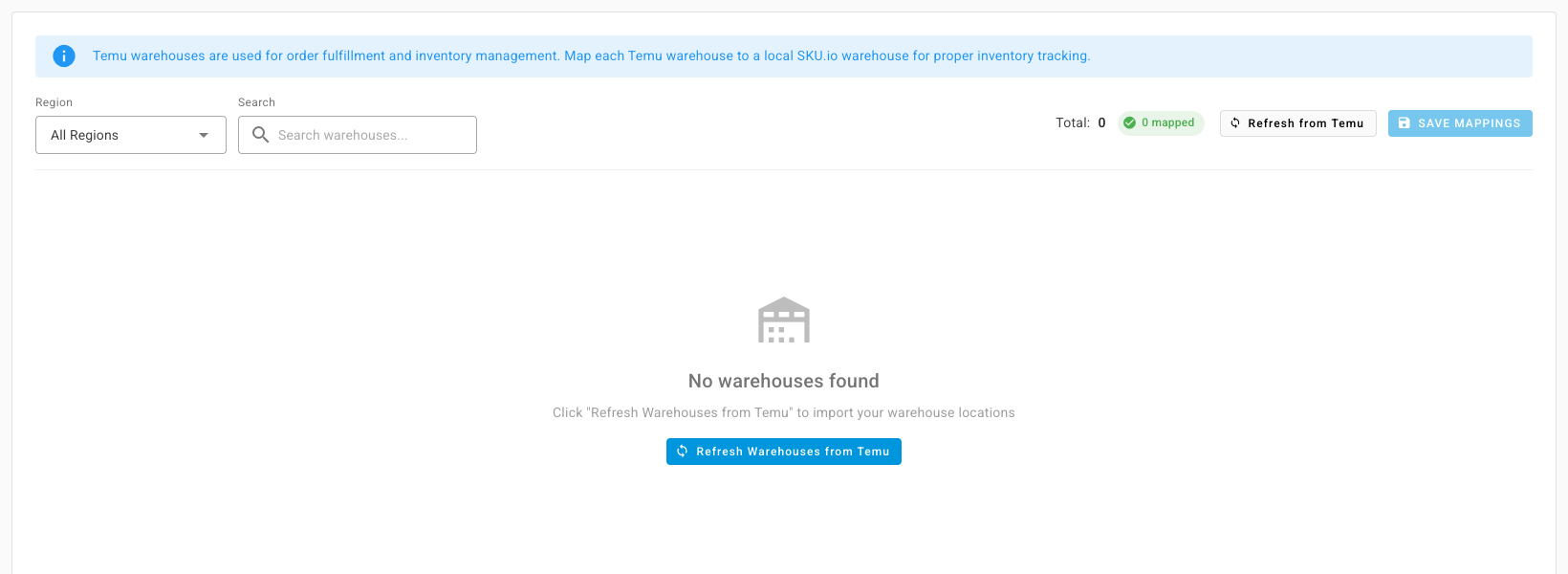
Open Settings → Warehouses and click Refresh Warehouses from Temu. Map each Temu warehouse to a SKU.io warehouse, then click Save Mappings.
Choose what syncs
- Open Settings → Sync.
- Under What syncs, turn each capability on or off: importing orders, creating SKU.io sales orders from them, and importing products; and sending tracking, stock, and prices.
Review the other settings
| Settings tab | What to check |
|---|---|
| General | The name, the store, Auto-link Matching Products, and Auto-create Products from Temu |
| Orders | The start date |
| Pricing Sync | Master of Price, which price to send, and guardrails. See Sync prices with your sales channels |
| Accounting | The Marketplace Cost % used to estimate profit on each order |
| Field Mappings | Which Temu field fills each SKU.io product field when SKU.io creates a product |
| Content Sync | Whether SKU.io watches your Temu products for content changes. See Content Sync |
Next steps
- Temu overview — what moves each way.
- Manage a connected app — pause one direction without stopping the rest.