
Free packing slip template
A packing slip template for multichannel stores
The fields generic templates leave out: which channel the order came from, that channel's order ID, the bin to pick from, and what is still to come. No prices, on purpose. Download it or fill it in right here.
- Free, no email, no sign-up
- Opens in Excel, Google Sheets and Numbers
- The math is built in
Fill it in here, or download it
Packing slip template, with the reasons for each part
Type over the underlined parts and print it or save it as a PDF. Or download the Excel file, which has the same layout and formulas plus room for more lines.
Swipe the sheet sideways to see all of it.
-
The channel and its order ID
A customer emails about a box quoting the number their marketplace showed them. Print it, and the order is one search away.
-
A bin for the packer
Sort the lines by bin before you print and, on a small order, the slip works as the pick list too.
-
Backorders, said on paper
Ordered minus shipped. Above zero tells the customer the rest is coming, before they open a "where is my order" ticket.
-
A note, and no prices
A packing slip often travels in a gift. Keep prices on the invoice, and leave room for the message.
-
Packed by, checked by
Two initials turn "who sent the wrong mug" from an argument into a shift you can retrain.
Run this in SKU.io
Print the slip from the order instead of retyping it
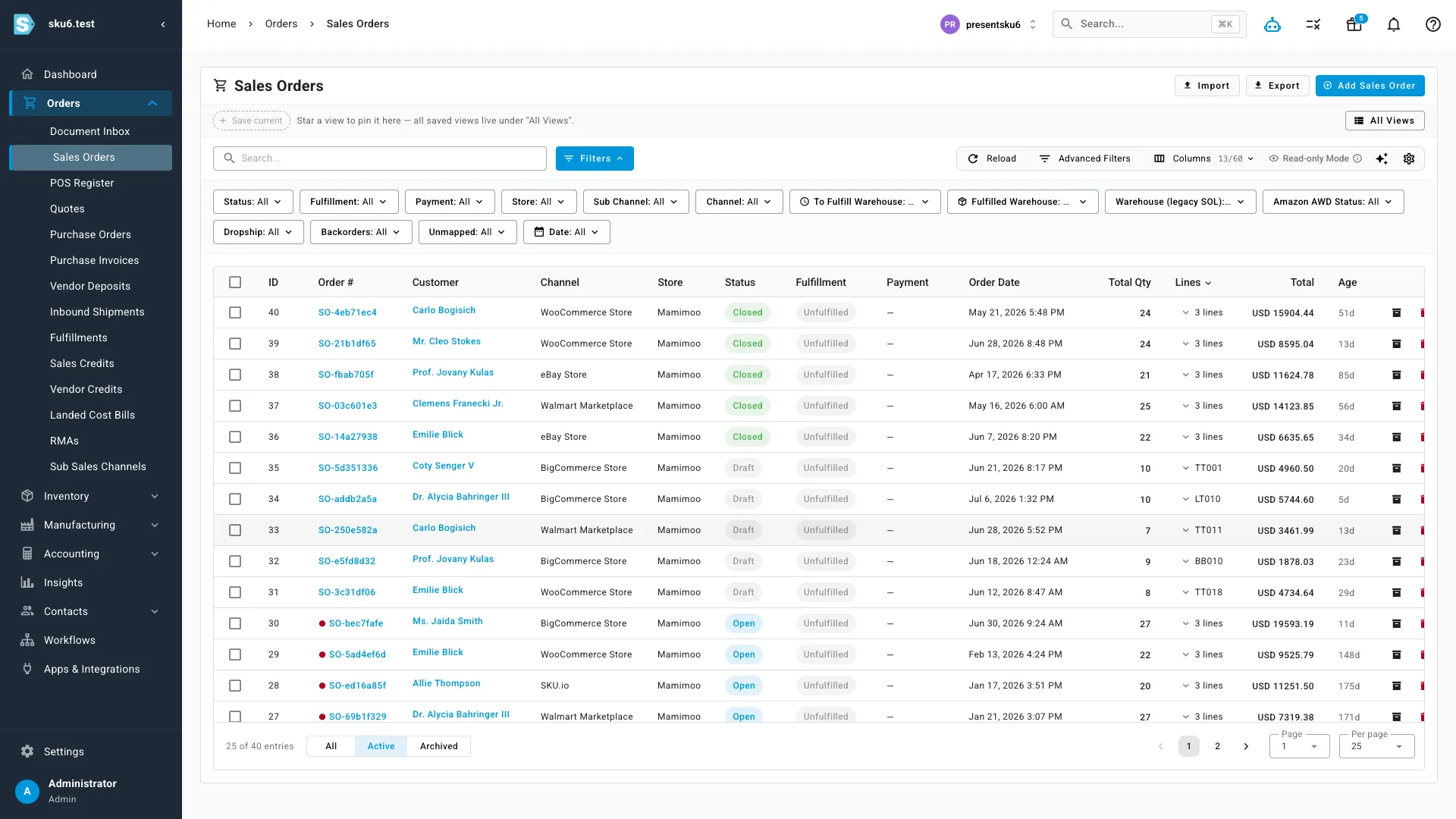
SKU.io pulls orders from every connected channel into one list and prints the packing slip from the order, using an HTML template you can edit, with a separate version per store if each brand needs its own logo and message.
| In the spreadsheet | In SKU.io |
|---|---|
| Copy each order in from its channel | Orders arrive from every channel on their own |
| Type the SKUs and quantities | Lines, serials and substitutions come from the order |
| One layout for every brand | A template per store, edited in plain English |
| Work out what is backordered | Backorders tracked until the stock arrives |
A packing slip has two readers
The customer reads it to check the box. The packer reads it to fill the box. Most free templates are written only for the first reader, so they look like an invoice with the prices taken off. This one is written for both, which is where the bin column and the "Packed by" line come from.
The packer should never discover a backorder
The rule I give people:
"There's no point in having the warehouse staff look at a backorder situation. We want to make sure it's purchased in stock before the warehouse worries about it."
So the slip records the backorder, and the buying side owns fixing it. If backorders show up on slips every day, the problem is upstream, in reordering; the reorder point sheet is where to start. A hand-typed slip is fine at a few orders a day from one channel. Once orders arrive from several channels, retyping them is where wrong addresses and swapped quantities come from, and the slip should print straight from the order.
Questions people ask
What goes on a packing slip?
Who it is from, who it is going to, the order number and date, the shipping method, and one line per item with the SKU, the name and the quantity. This template adds the sales channel, the channel order ID, a bin column for the packer and a backordered column.
Is a packing slip the same as an invoice?
No. An invoice asks for payment and shows prices. A packing slip lists what is in the box so the customer, and whoever packed it, can check it. That is why this template has no prices: a packing slip often travels with a gift.
Can I make a packing slip online and print it?
Yes. Fill in the underlined parts of the slip on this page, add your logo, and use Print or save as PDF. Nothing you type is sent anywhere; it stays in your browser.
How does the backordered column work?
It is a formula: ordered minus shipped, never below zero. Anything above zero tells the customer the rest is coming separately.
Can I use it in Google Sheets?
Yes. Download the .xlsx file, then in Google Sheets use File, then Import. It also opens in Excel and Apple Numbers. It is free, with no email form.
Bring a day of orders to a call
Bring the channels you sell on and how a box gets packed today. We will walk through how orders, slips and shipments run in SKU.io.
Book a DemoFounder-led demo · 2-day onboarding · no onboarding fees