Fulfill other-channel orders through WFS
With multichannel fulfillment (MCF), Walmart ships orders from your other sales channels, such as your web store, out of the stock you hold in Walmart Fulfillment Services. In SKU.io, any order routed to the WFS warehouse is sent to Walmart as an MCF order, and the shipment is recorded when Walmart ships it.
Before you begin
- WFS is turned on. See Set up Walmart Fulfillment Services.
- Your Walmart account is set up for Walmart Multichannel Solutions, and you have the order channel ID Walmart assigned you.
Turn on MCF
- Go to Apps & Integrations, open your Walmart channel, then open Settings and the WFS tab.
- Turn on Multichannel fulfillment (MCF).
- In MCF order channel ID, enter the ID from your Walmart Multichannel Solutions setup. SKU.io can't send orders to WFS without it.
- Click Save Changes.
Send an order to WFS
Route the order's lines to the WFS warehouse, and fulfill it. SKU.io sends it to Walmart as an MCF order, and the fulfillment waits for tracking. When Walmart reports it shipped, SKU.io records the shipment and its tracking on the order.
Follow MCF orders
Open WFS MCF. MCF Orders lists each order with its Walmart Order ID, Status (Accepted, Created, Shipped, Delivered or Cancelled) and items.
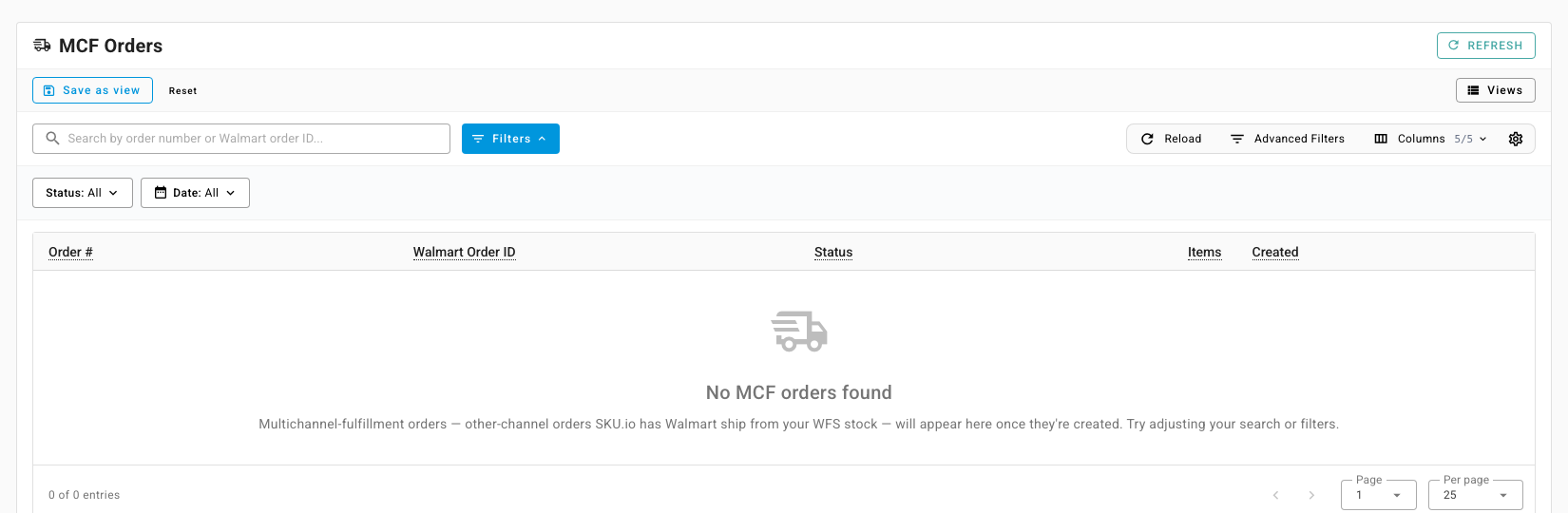
Click an order to open it. From there:
- Sync Status pulls Walmart's latest status.
- Check Fulfillability asks Walmart whether it can still ship the order from WFS stock.
- Cancel Order asks Walmart to cancel it.
Next steps
Last verified:
Was this helpful?