Review WFS fees and reconciliation
When Walmart stores and ships your stock through Walmart Fulfillment Services (WFS), it charges fees through your settlements and reports each month what happened to every unit. WFS Fees & Recon brings both into SKU.io. You can see what WFS charged, compare Walmart's count with yours, and find units Walmart may owe you for.
Before you begin
- Connect your Walmart account and use WFS.
- SKU.io pulls fees and the reconciliation report every day. To fetch them now, click Sync Reconciliation on the page.
Open WFS Fees & Recon
-
Go to Apps & Integrations → Walmart and choose your account in the integration selector.
-
Open the WFS Fees & Recon tab.
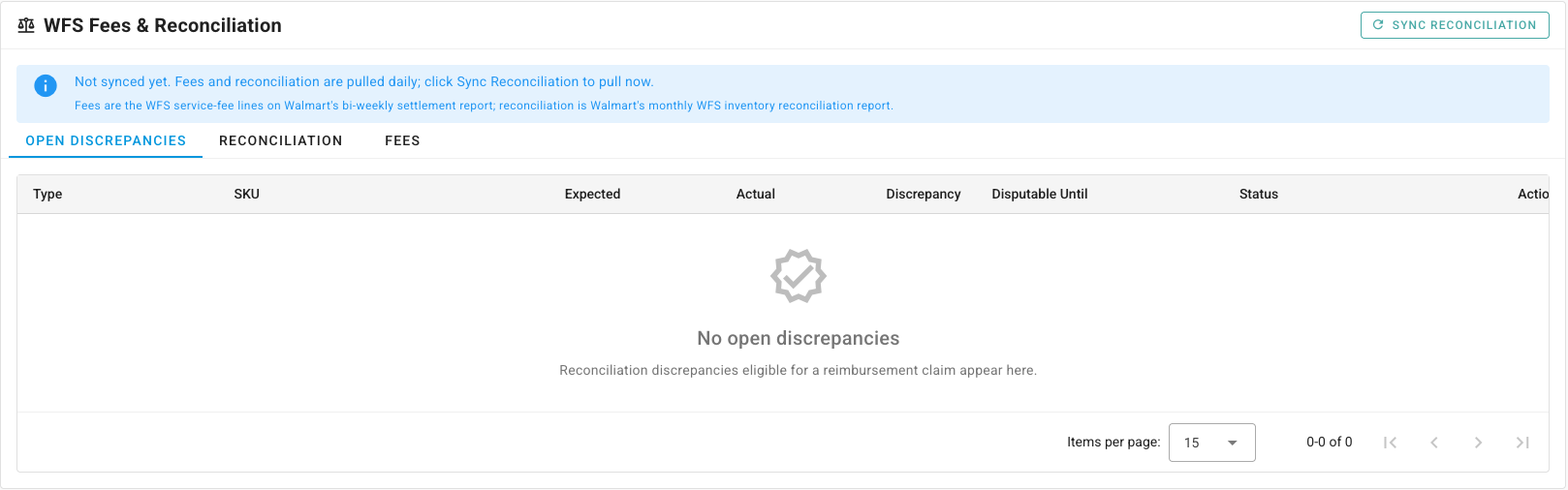
The page has three tabs: Open Discrepancies, Reconciliation and Fees.
Review the fees WFS charged
Open Fees. Each row is one WFS service-fee line from Walmart's bi-weekly settlement report, with its Fee Type, Amount, Currency, Charged At, SKU and Reference ID.
SKU.io sorts each fee by its description into storage, fulfillment, prep, removal, inbound, return or other, so you can see what WFS costs you by type and by SKU.
Compare Walmart's count with yours
Open Reconciliation. Each row is one SKU for one month of Walmart's WFS inventory reconciliation report: Starting, Sold, Returned, Lost, Damaged, Found and Ending, for the Period.
When Walmart's ending quantity differs from the WFS stock SKU.io holds for that SKU by more than a small tolerance, SKU.io opens a discrepancy.
Claim units Walmart owes you
- Open Open Discrepancies. Each row shows the Type, SKU, Expected and Actual quantities, the Discrepancy, and the date it's Disputable Until.
- Work the oldest Disputable Until dates first. After that date, Walmart no longer accepts a claim.
- Click View reimbursement claim packet on a row. The packet collects the evidence for the claim and links to Seller Center, where you file it. Walmart doesn't let other apps file claims for you.
- When the claim is settled, or you've confirmed there's nothing to claim, click Mark discrepancy resolved.
Download the settlement itself
For the full settlement, go to the Reports tab. Settlement Reports lists one report per settlement cycle, newest first. Select a cycle to download it. Payment Statement loads the current cycle's statement from Walmart, with the opening balance, order activity, WFS charges, reserve, the amount paid to you and the closing balance.
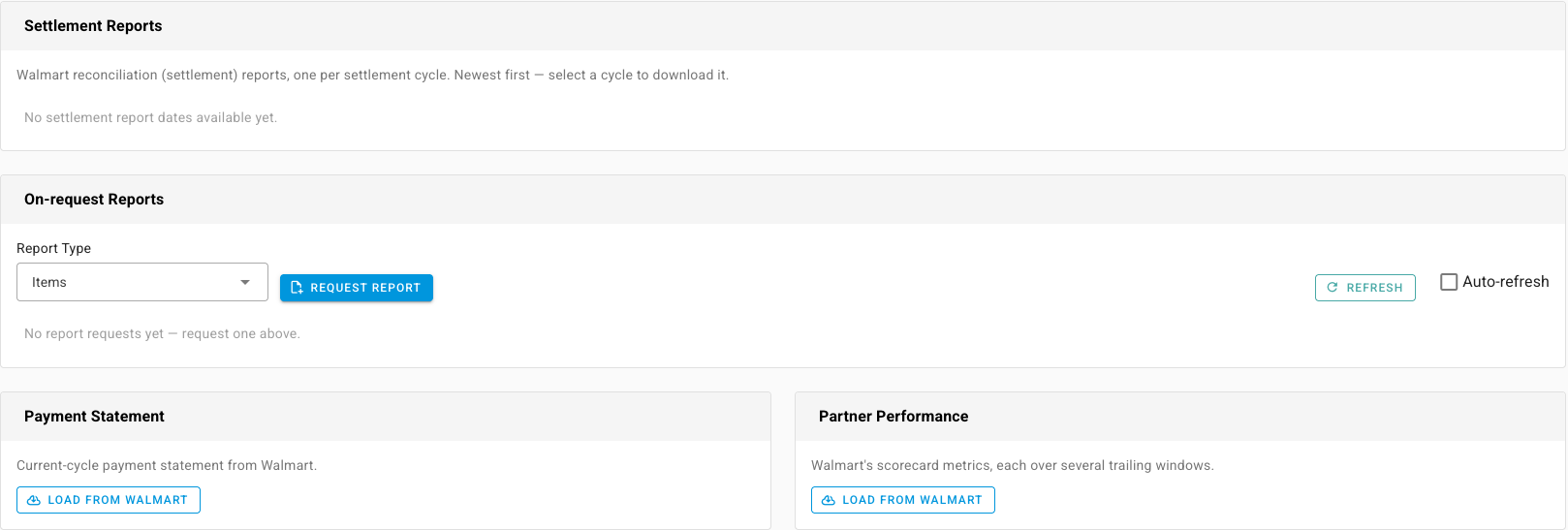
WFS fees and the reconciliation report are for review. SKU.io doesn't post Walmart settlements or WFS fees to your ledger, doesn't map them to accounts, and doesn't tie fee lines to individual orders. Record WFS fees in your accounting system from the settlement report.
Next steps
- Mark a WFS inbound shipment as abandoned: close out an inbound shipment Walmart won't receive.