Keyboard shortcuts and the command palette
If you spend all day in SKU.io, the keyboard is faster than the menu. There's a command palette for jumping anywhere, a set of shortcuts for working through lists, and a cheat sheet built into the app so you never have to remember them.
See every shortcut — press ?
Press ? anywhere in SKU.io and the full list opens over the page, grouped by what it applies to. It's the fastest way to learn the rest of this page, and it's always current — so use it rather than memorising a list.
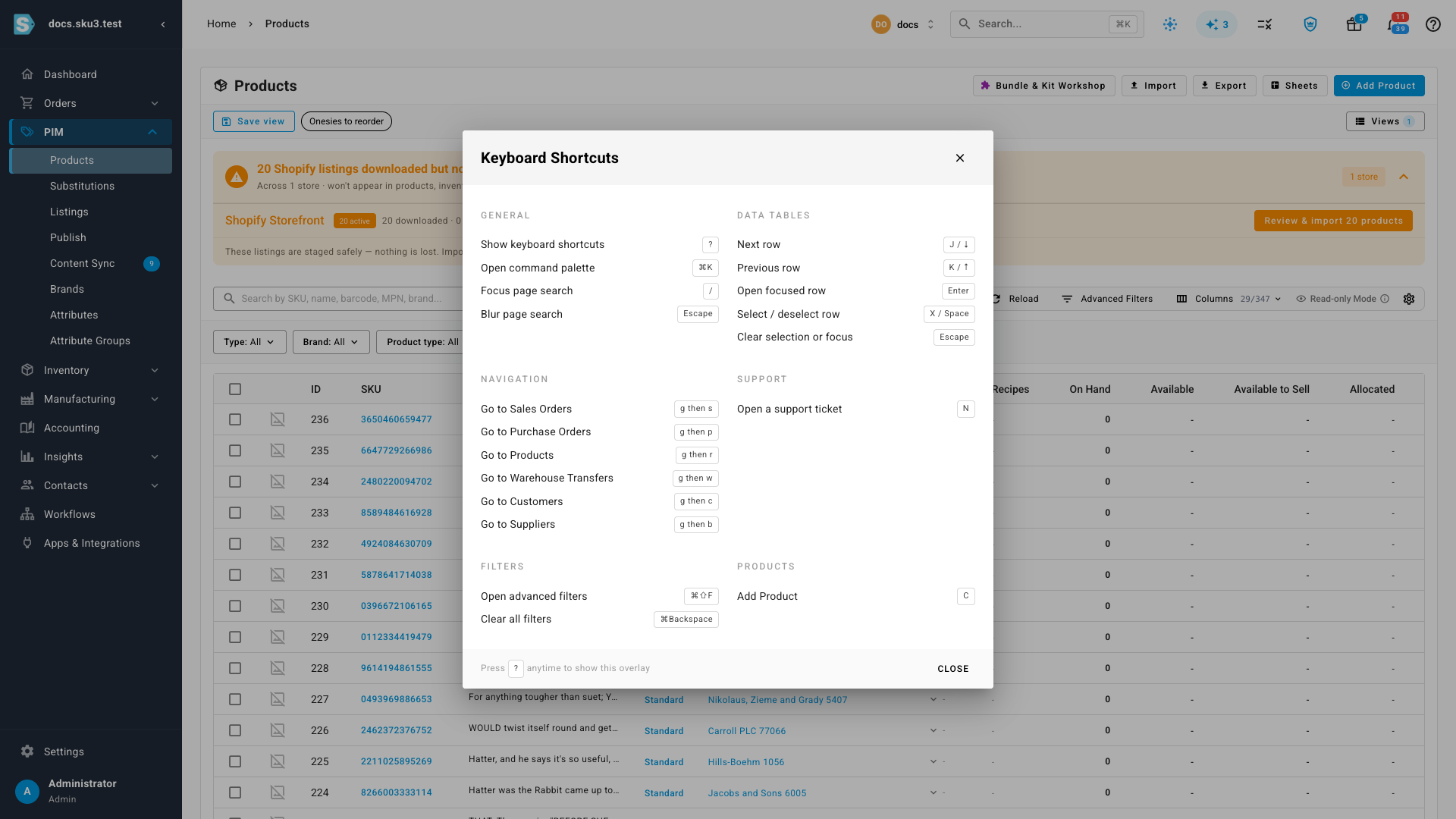
Press Escape to close it.
Jump anywhere — the command palette
Press ⌘K (Ctrl+K on Windows) to open the command palette. Start typing and it searches across pages, products, orders, and customers at once.
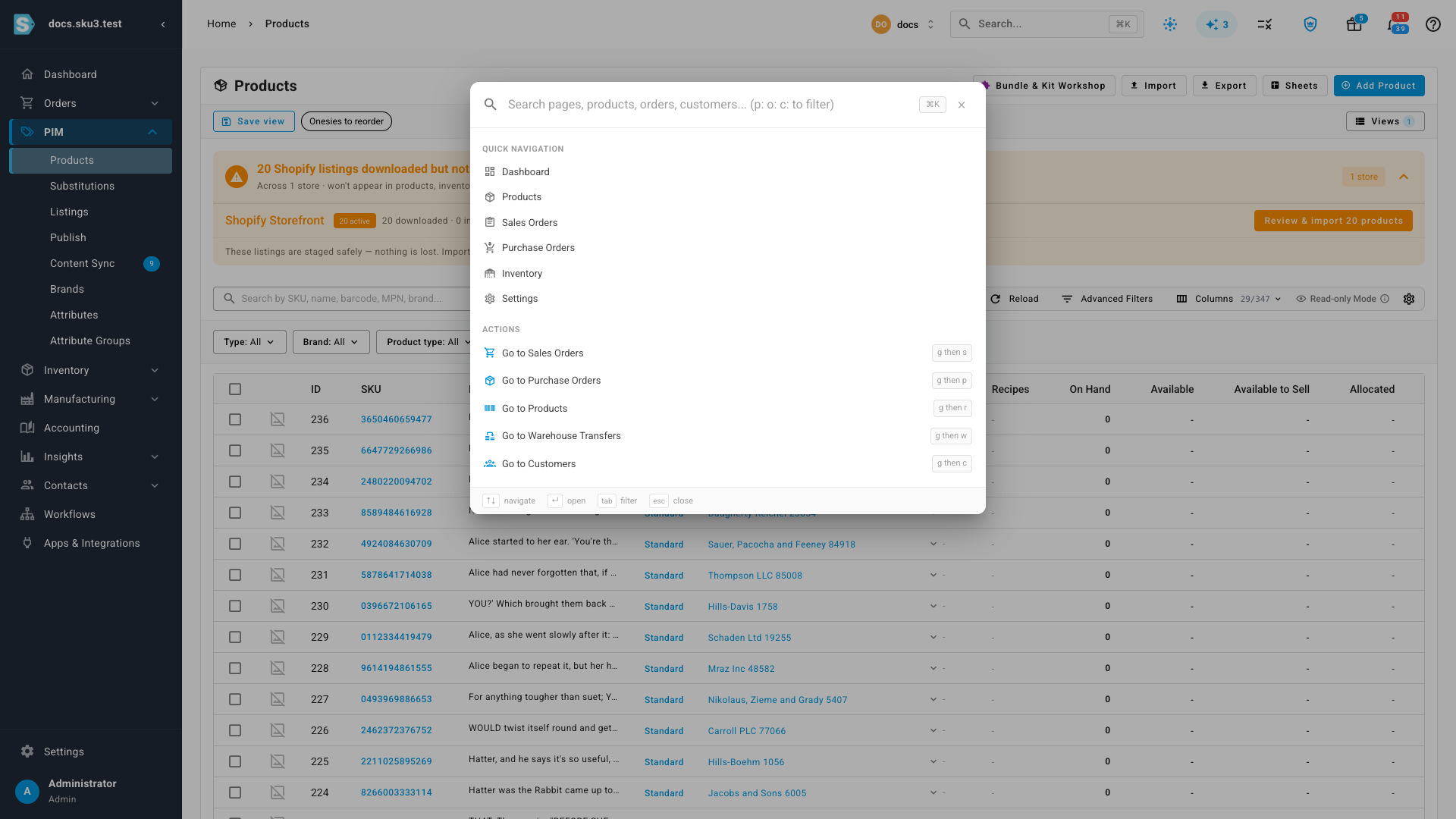
Narrow the search by prefixing what you type:
| Prefix | Searches |
|---|---|
p: | Products |
o: | Orders |
c: | Customers |
Inside the palette: ↑ and ↓ move through results, Enter opens the highlighted one, Tab switches filter, and Escape closes it.
Move through a list
These work on any list, once the list has focus:
| Key | Does |
|---|---|
| J or ↓ | Next row |
| K or ↑ | Previous row |
| Enter | Open the focused row |
| X or Space | Select or deselect the row |
| Escape | Clear the selection, or drop focus |
Select several rows with X and the bulk actions for that list apply to all of them.
Search without reaching for the mouse
| Key | Does |
|---|---|
| / | Focus the search box on the current page |
| Escape | Leave the search box |
/ searches the page you're on; ⌘K searches everything. Reach for / when you know you're in the right list, and ⌘K when you're not.
Go straight to a section
Press G, let go, then press a second key:
| Chord | Goes to |
|---|---|
| G then S | Sales Orders |
| G then P | Purchase Orders |
| G then R | Products |
| G then W | Warehouse Transfers |
| G then C | Customers |
| G then B | Suppliers |
These are also listed in the command palette, so you can use the palette until the chords become second nature.