How your data is kept separate
Three questions come up whenever a business evaluates SKU.io, and they all have the same shape: who else can see this? This page answers them in one place — how your data is held apart from other customers, which region it's stored in, and how one login can hold several businesses without mixing them.
Your data is held in its own database
Every SKU.io customer gets their own database. Your products, orders, costs, and ledger are not rows in a shared table marked with your name — they're in a separate database that belongs to your account alone.
That matters for two reasons. A query written for one customer can't reach another one's records, and your data can be backed up, restored or moved on its own without touching anyone else.
Your data is stored in one region
SKU.io runs in two regions: one in the United States, one in Australia. Your account is placed in one of them when it's created, and everything for that account — the database, the files you upload, the backups — stays in that region.
If you need a specific region, say so during onboarding. Moving an established account to a different region is possible but it's a planned migration, not a setting you can toggle.
One login, several businesses
If you run more than one business, you don't need a second login. Each business is a separate account with its own database, and your user can be granted access to as many as you need.
The account you are working in is shown in the top bar. Select it to see every account you have access to, along with your role in each, and switch between them.
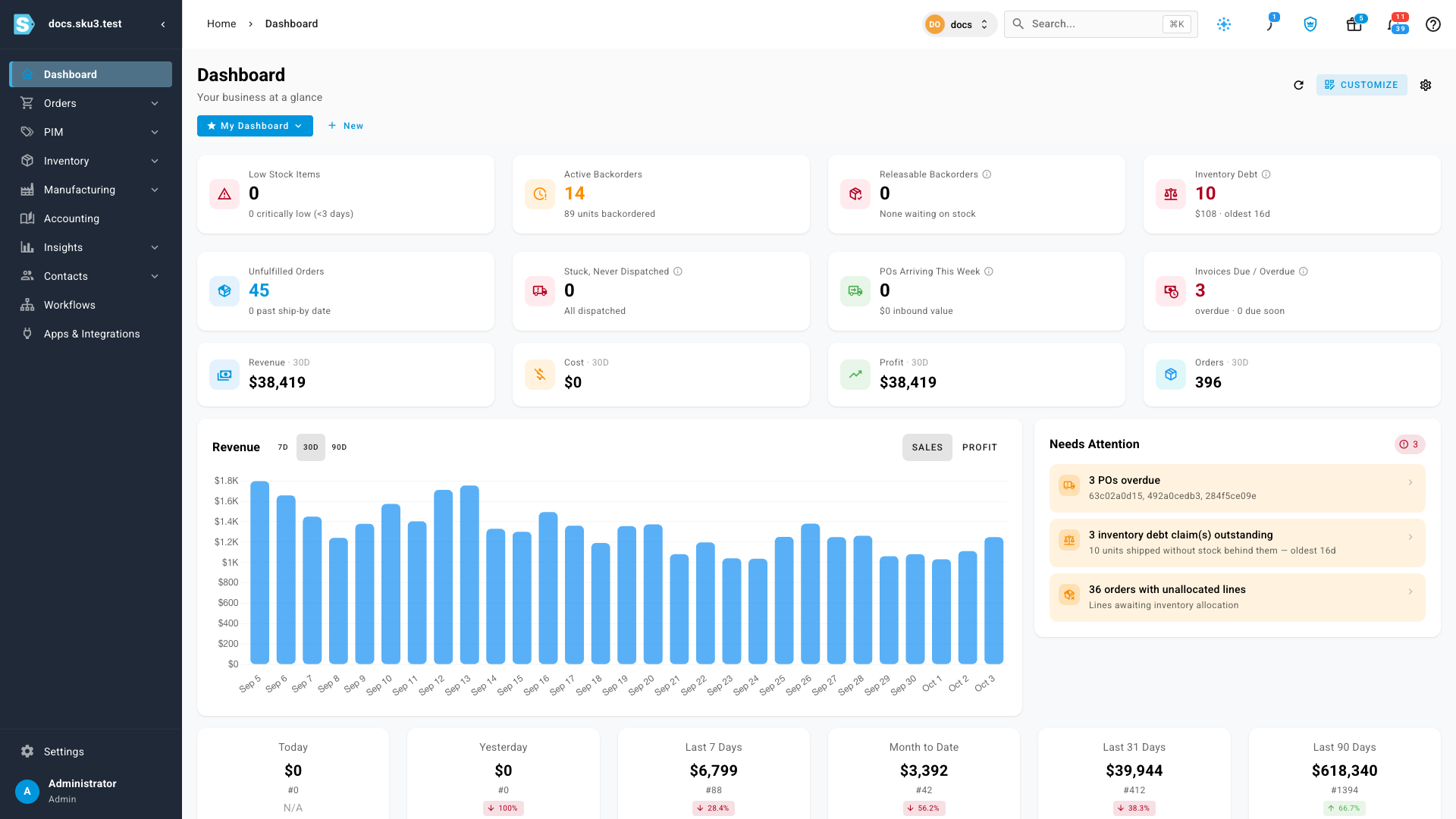
Switching is a true switch, not a filter. Stock, orders, customers, pricing, and the ledger all belong to the account you are in; nothing is pooled across them and no report spans them. If you want two businesses to share one stock pool, that's a different setup — ask before you create the second account, because it's hard to unpick afterward.
Who inside your business can see what
Separation between customers is handled for you. Separation within your business is yours to configure, and it's the part most people should spend time on:
- People — add teammates individually so every action is attributable. See Create and manage users.
- Roles — bundle permissions and assign them, so someone who should only receive stock can't change costs. See Create a role and the roles and permissions reference.
- Two-factor authentication — the single highest-value control on this list. See Set up two-factor authentication.
- Active sessions — see where the account is signed in and end any session you don't recognize. See Manage active sessions.
What leaves SKU.io
Nothing moves to another service unless you connect it. When you do, two screens tell you what's connected and what it can reach:
- Connected apps — every app you have authorised, and the access each was granted. See Review connected apps.
- Access tokens — tokens you create for scripts and automations carry only the permissions you select, and can be revoked at any time. See Create a personal access token.
Both live under Settings → Developer, together with active sessions.